01
PASSPORT & VISAPrepare an official photo
Use focused assistance for framing, background cleanup and visible distractions, then compare the result with the original and the current authority instructions.
Most of the time, a normal phone photo is not ready for a passport, visa or application upload. Choose the document you need, then crop the photo, set the required size, prepare the background and check the result before downloading it.
Manual controls stay available when you want to make the adjustments yourself.
Choose the required profile, then adjust the crop, background and final output.
Keep the crop, dimensions, background and supported photo checks visible while you make changes.
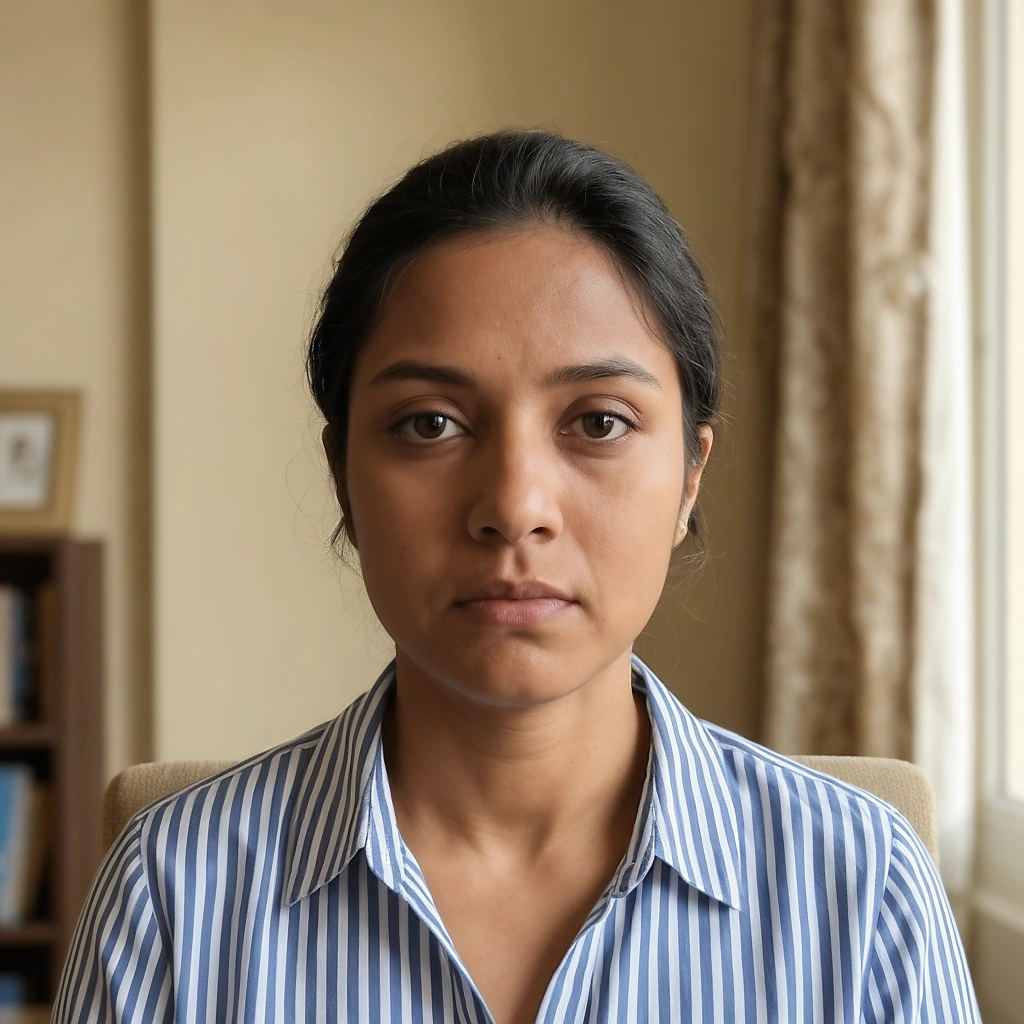
Photo requirements vary by country and document. Choose a profile to see its saved size, background and other available requirements before preparing your photo.
A photo can have the right dimensions and still have problems such as an uneven background, poor lighting or incorrect face position. The checker reviews the conditions it supports and shows what can need another look.

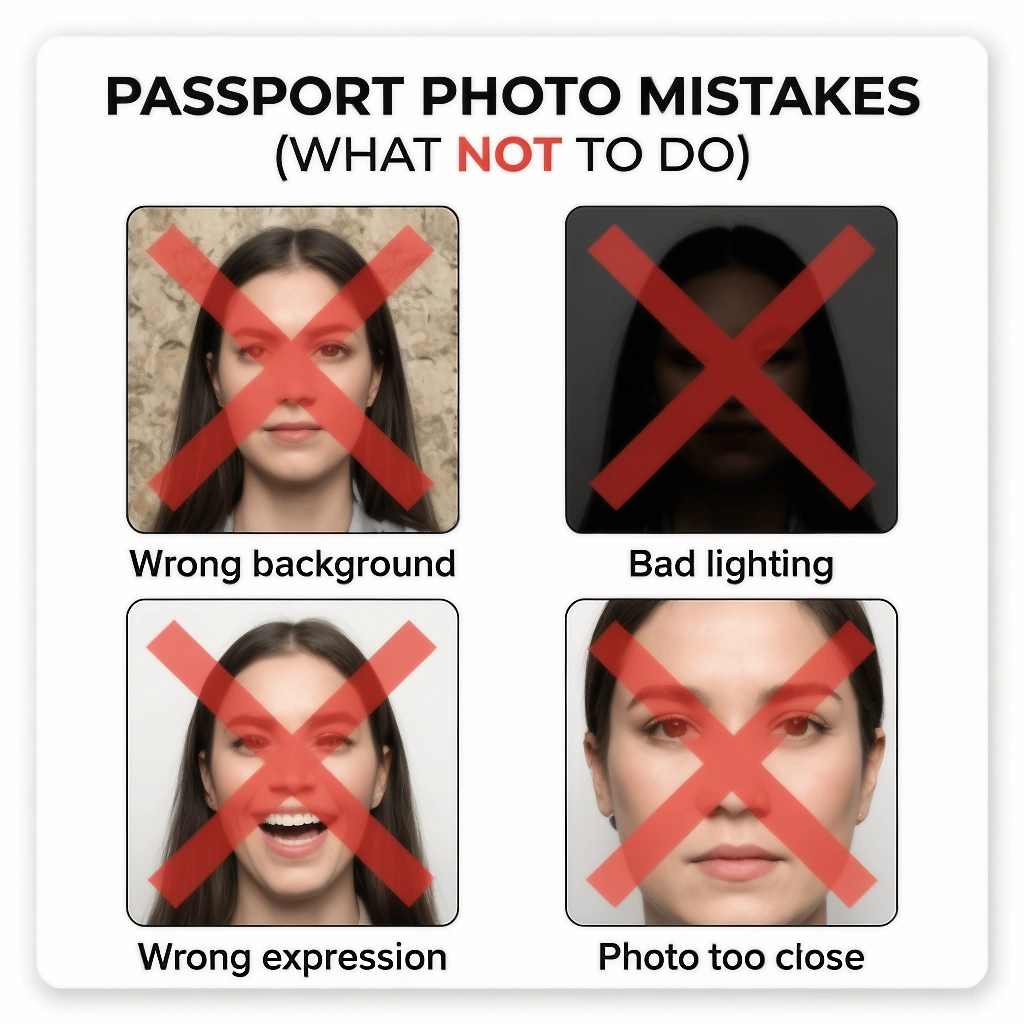
2 items can need another look.
Adjust the crop, background and document format while keeping your natural facial features unchanged.
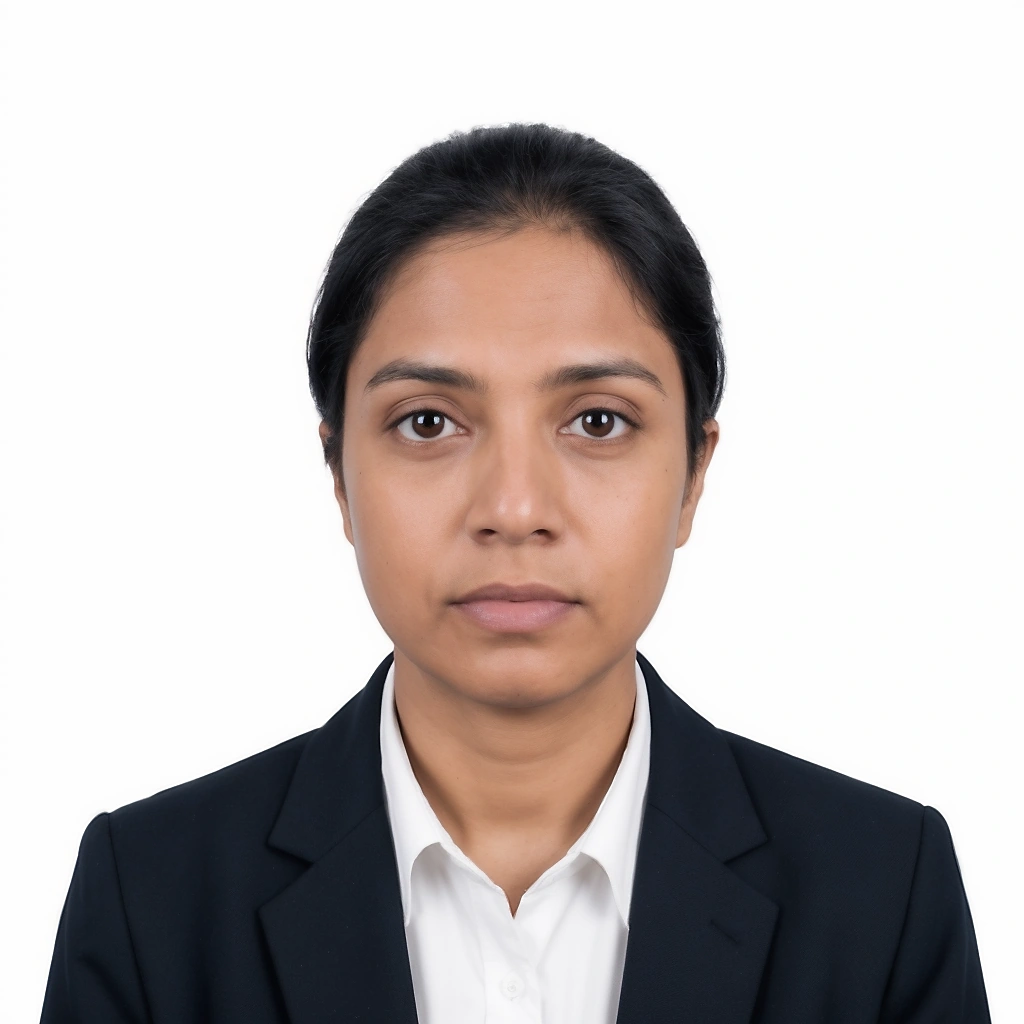
Start with a clear photo from your phone or computer. Then prepare it in four simple parts before downloading the final file.
Add a clear photo from your device.
Start with a clear photo from your phone or computer. A studio camera or special backdrop is not required to begin.
Use a phone photo, scanned print or supported image file, then choose the passport, visa or application you need. The selected profile gives you the right workspace for preparing the final output.
The required output depends on the document. Some applications use a physical size such as 35 × 45 mm or 2 × 2 inches, while others also specify pixels or a file size limit.
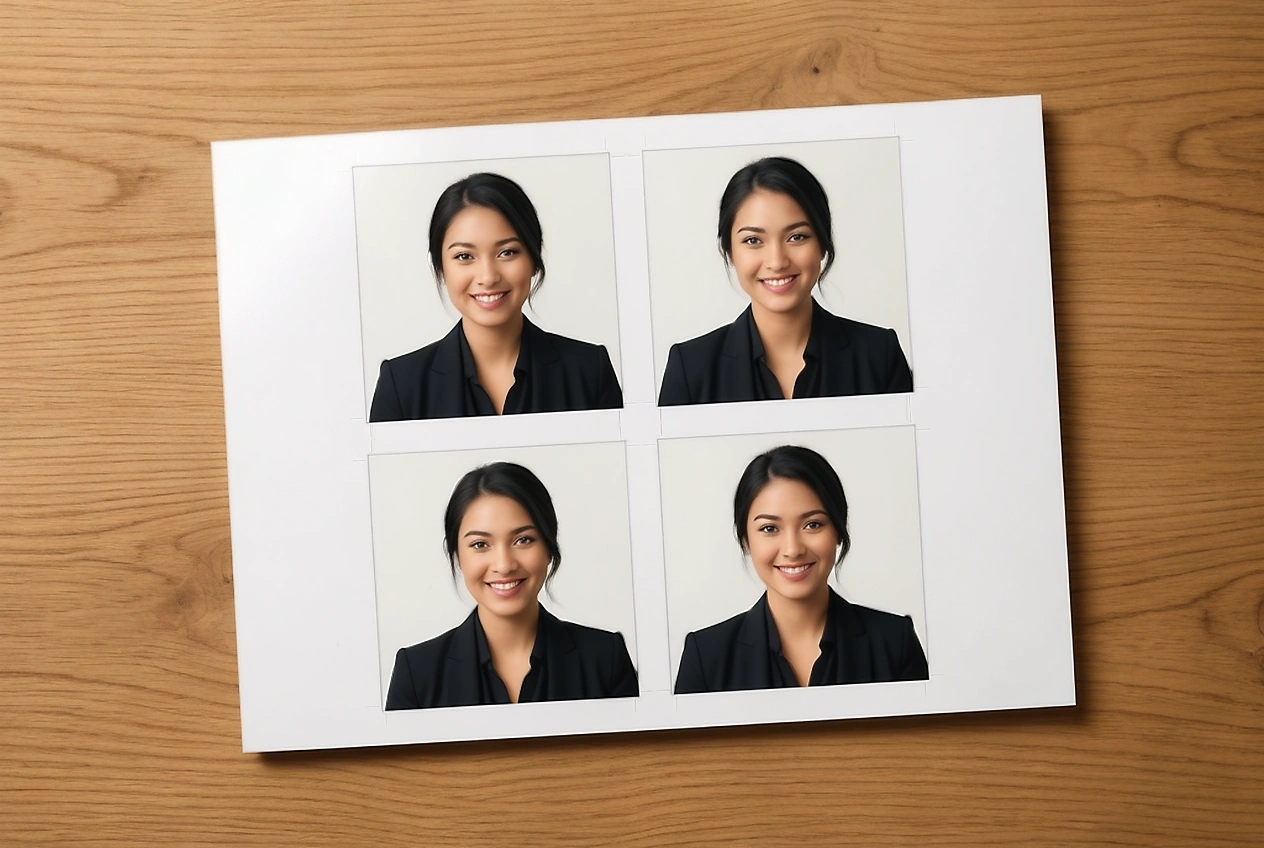
Create 4R, 5R or A4 layouts with multiple photo copies, spacing and cut guides for printing.
Use Actual Size or 100% in the printer settings to avoid unwanted scaling.
Different applications ask for different photo, signature, handwriting or PDF files. Open the tool you need for checking, resizing, background changes, compression, handwriting pages or printing without working through unrelated controls.
Crop and prepare a photo using the selected passport or visa profile.
Open toolCheck face position, dimensions, background and other supported photo conditions.
Open checkerReplace an uneven background with a supported plain colour.
Open toolStart with the photo, signature or document you already have. The editor’s AI step brings related preparation tools together so you can make a targeted change, keep the original visible and review the result before saving it.
Use focused assistance for framing, background cleanup and visible distractions, then compare the result with the original and the current authority instructions.
Prepare a scanned signature or document image for the next upload while keeping ink, handwriting and signed pages separate from the passport photo.
Work from the exact requirement for each photo, signature or supporting file, including its dimensions, format and size limit.
Review gentle help for infant gaze, supporting hands, background edges and family-photo framing when a clear original needs careful preparation.
Passport and visa photo requirements vary by country and application. Choose a profile to see its saved photo details, source and date it was last reviewed.
If a requirement has changed since the profile was reviewed, follow the current instructions from the issuing authority.
Start with the broader passport photo requirements guide when you need an overview before choosing a country.
Your document photo contains sensitive biometric data. Standard local workflows use browser processing, while any action handled by a provider is labelled separately.
Manual crop, rotation, and basic sizing happen directly inside your web browser.
When AI assistance is requested, images are processed securely and not stored permanently.
Download the high resolution JPEG, PNG, or 4R print sheet directly to your computer.
Session data is deleted according to your retention settings. We never train AI on your photos.
Everything you need to know before preparing your photo or uploading to an official application portal.
Visit Help Center & Knowledge BaseUpload a clear photo and choose the passport, visa or application you are preparing it for. Adjust the crop and background, review the available checks, then download the required digital file or print layout.
Choose your document preset, upload a clear photo, and prepare an official digital or printable photo without visiting a studio.