First decide whether the difficult part is taking the photo or preparing the file
PassportPhotoBox and a local photo studio solve different parts of the same job. PassportPhotoBox becomes useful once you already have a suitable source photograph and need to prepare the required digital file or print layout. A studio starts earlier by controlling the camera, lighting and physical setup while the photograph is being taken.
That distinction is more useful than declaring one option universally better. If the source photograph is already clear and the authority allows you to prepare it yourself, another studio visit may add little. If getting a compliant source is difficult or the application requires photographer or studio information, the in person route can be the correct choice rather than simply the more convenient one.
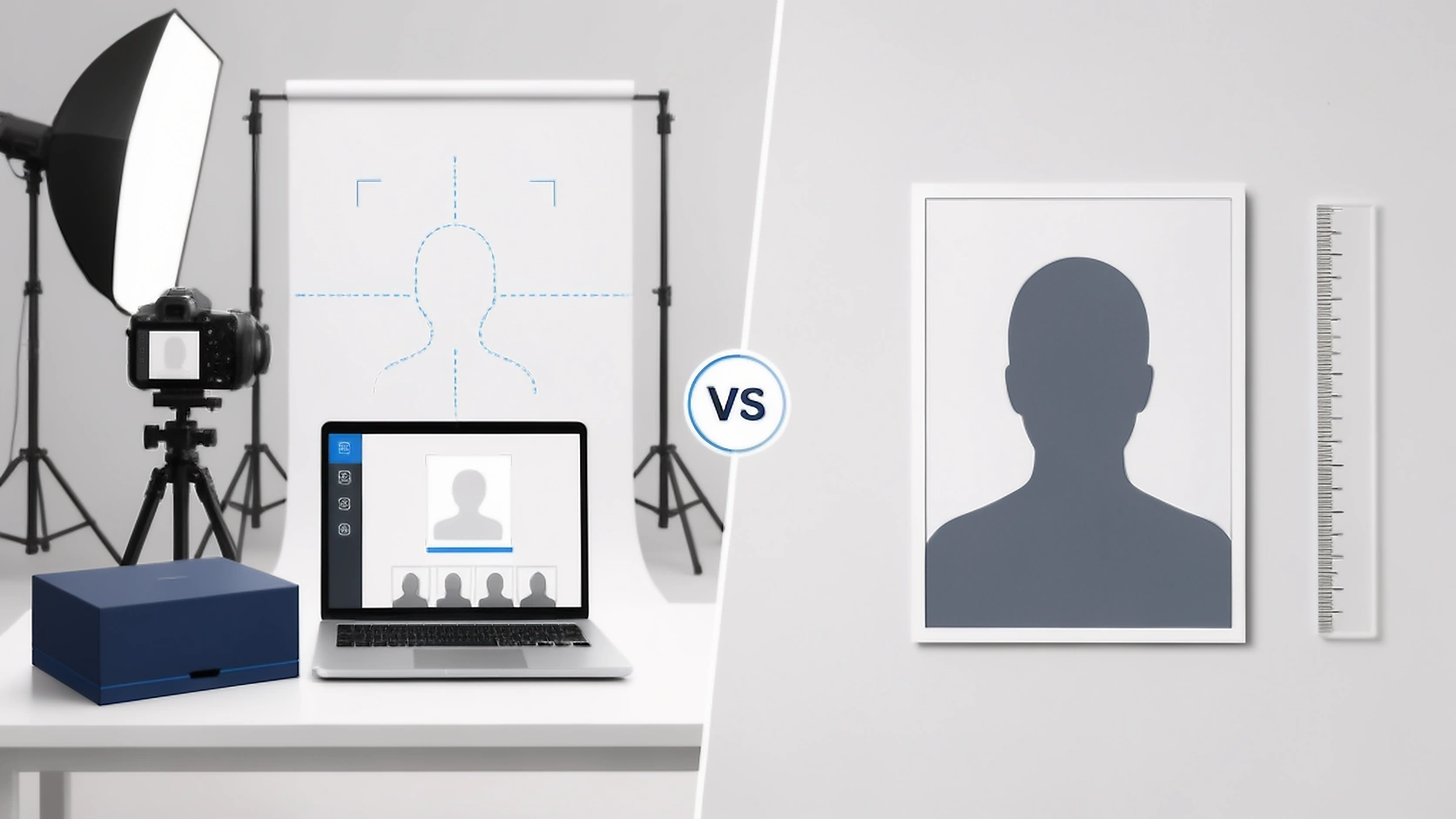
Compare the part of the job each route actually handles
A studio normally begins with capture, while PassportPhotoBox assumes that a usable source already exists. The remaining differences are easier to understand once that starting point is clear.
| DECISION | PASSPORTPHOTOBOX | LOCAL PHOTO STUDIO |
|---|---|---|
| Source photograph | Start with an existing photograph that is suitable for the application route. | The photographer can capture a new source photograph using the studio's camera and lighting setup. |
| Help while the photo is taken | The software does not replace a photographer standing behind the camera. | A photographer can notice problems with posture, expression, lighting or framing before the session ends. |
| Preparing the digital output | Crop, dimensions, file size and supported checks can be handled in the preparation workspace. | Capabilities vary. Ask whether the studio can provide the exact digital dimensions and file size required by the portal. |
| Another output from the same source | A suitable source can be prepared again for another permitted requirement without repeating the capture session. | The studio may create another size from the saved source, but availability and extra charges depend on its service policy. |
| Printed photographs | Prepare a supported print layout and use an appropriate printer or printing service. | A studio can usually handle the physical print process as part of the service, but paper and print methods still need to meet the authority's requirements. |
| Photographer or studio information | Software cannot create legitimate photographer or studio details for an application that requires them. | A real studio can provide its own name, address, capture date or other genuine photographer information when the application asks for it. |
| Other application images | Dedicated tools can prepare supported files such as a signature or thumb impression when the application requires them. | This varies by provider. Ask whether the studio also prepares the other digital files required by the application. |
| Human judgement | Software checks can help review supported measurable and visible requirements. | An experienced photographer can use judgement during capture, but the receiving authority still decides whether the photograph is accepted. |
| When the source needs to be retaken | Take another source photograph before continuing when the existing image cannot safely satisfy the requirement. | The photographer can take another frame during the session, although the studio's retake policy and charges can vary. |
| Privacy and retention | Keep the existing verified PassportPhotoBox project and retention controls. Do not expand the claim beyond the current product behaviour. | Ask how long the studio keeps the source and finished photographs and whether copies remain on its workstation or another storage system. |
| Final acceptance | PassportPhotoBox cannot approve a photograph on behalf of a passport authority. | A studio cannot grant government approval either, even when it regularly handles passport photographs. |
Sometimes the application rules decide whether a studio is worth using
Before comparing prices or convenience, check the exact passport route. Current official requirements show why a studio can be optional in one country but far more important in another.
A good photographer can solve problems before they become editing problems
Studio photography has an advantage that an editor cannot reproduce after the fact. A photographer can change the light, move the camera or take another frame while the person is still there. That is particularly useful when glare, uneven light or an awkward expression keeps appearing in the source photographs.
The difference can be even larger with babies or young children because getting one usable frame may require patience and repeated attempts rather than stronger software. A studio that regularly handles passport work may also recognise practical capture problems before the applicant leaves, although the final authority still makes the acceptance decision.
A second camera session may add little when the remaining problem is the file
Once a suitable source photograph already exists, the work can become much more technical than photographic. An application portal may specify pixel dimensions or a limit on file size, while another form may need the same source prepared for a different permitted output. PassportPhotoBox is designed for that stage of the process.
The difference becomes larger when the portrait is only one upload among several. A signature or thumb impression follows its own requirements, so returning to a photo studio for every digital variation may not solve the real problem. Dedicated preparation tools are more useful when the difficult part is organising the application files rather than taking another photograph.
The cheapest first price is not always the cheapest completed application
A studio quote can include more than the photograph itself. Depending on the provider, the price may cover the camera session, physical prints or a digital copy. PassportPhotoBox starts from a different point because the user already supplies the source and performs more of the preparation themselves.
A fair comparison therefore looks at what still has to be done after the first payment. If the studio price does not include the required digital file, another size or a future export may cost extra. On the other hand, an inexpensive online workflow offers little saving if the source photograph has to be retaken several times because the capture conditions are poor.
Before paying a studio, ask:
- Is the exact digital file required by my application included?
- Are the physical prints included, and what print process will you use?
- If another permitted size is needed later, can you export it from the original photograph?
- If the photograph has to be retaken because of a capture problem, what is your retake policy?
Privacy depends on the actual workflow, not whether it happens online or in a shop
Passport photographs are identity images, so it is reasonable to ask what happens to the file after the job is finished. PassportPhotoBox should describe only the current verified processing and retention controls already implemented in the product. Do not broaden those claims during this comparison update.
A local studio creates a different set of questions. The source may remain on a camera card, editing workstation or another storage system after the customer leaves. That does not mean a studio is automatically less private, but the retention policy should be known rather than assumed.
- Ask whether the studio keeps the original digital photograph after delivery.
- Ask how long workstation copies remain stored.
- Ask whether the photograph is backed up or transferred to another system.
- Ask whether you can request deletion after the required files and prints are delivered.
A studio can handle the capture while PassportPhotoBox handles a later permitted output
Sometimes the sensible route is to use both. A studio can create a strong original when lighting, expression or the person being photographed makes home capture difficult. If a later application allows that same photograph to be reused and needs a different digital size or print arrangement, PassportPhotoBox can handle the permitted file preparation without repeating the camera session.
The important condition is the new application's rule. A photograph that was acceptable for one document is not automatically suitable for another, and some authorities require a new capture or restrict editing. Keep the full quality original only for legitimate reuse and check the new requirement before preparing another version.
Pay for the studio when the photograph needs a photographer, not simply because the file needs another size
I would use the studio if the application requires genuine photographer information, professional print production or another condition that an online editor cannot supply. I would also choose in person capture when getting a clean source photograph is proving difficult because fixing the camera setup is better than trying to repair a weak image afterward.
If a suitable source already exists and the authority permits the required preparation, I would use PassportPhotoBox for the file work. That is where direct control over the output and the ability to prepare other application images become more useful than paying for another camera session.
The authority's route comes first in either case. Canada, Australia and the United Kingdom already show why the same answer cannot be applied to every passport application.
Prepare the file your application actually needs
Open the relevant requirement in PassportPhotoBox and prepare the digital output or supported print layout only when the application allows that workflow.